


What is digital signage exactly?
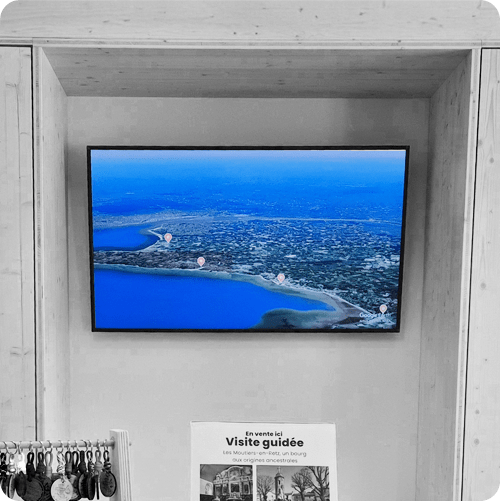
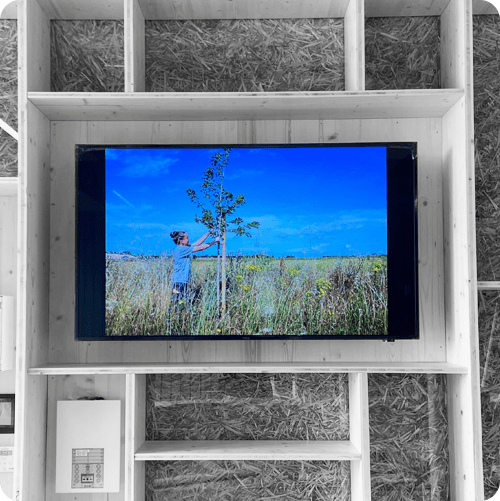
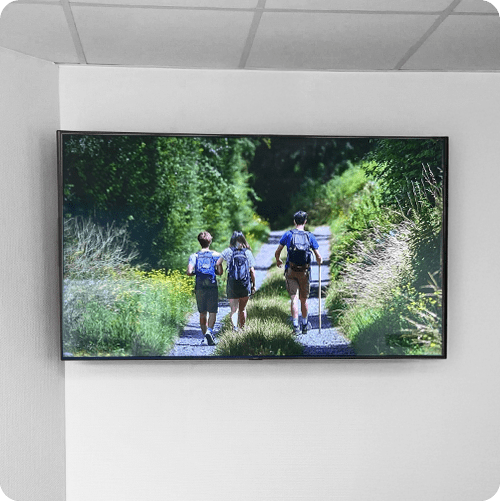
Digital signage is a digital communication tool that allows multimedia content (photos, videos, etc.) to be displayed on one or multiple screens.


From games and surveys to classrooms and conferences, transform your customers’ experience and liven up your welcome areas, shops and meeting rooms.
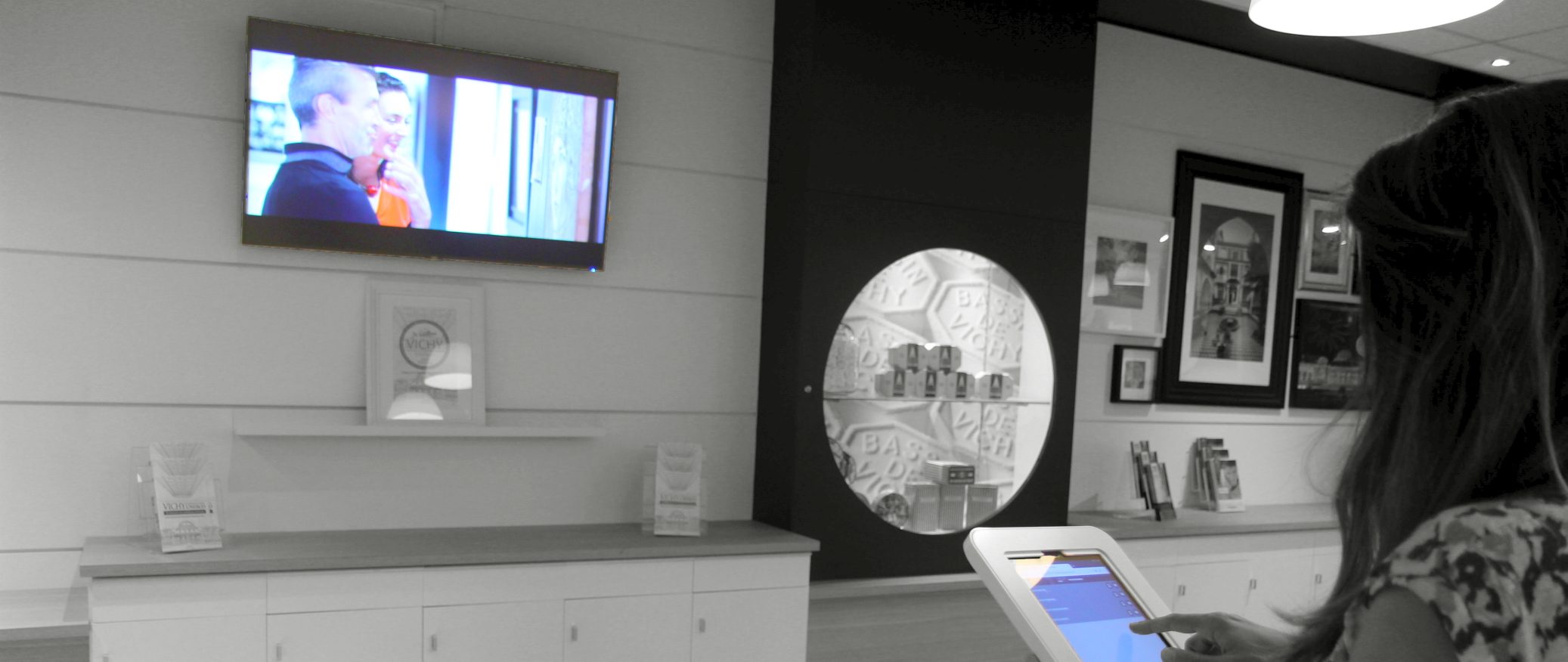
FunBox is an innovative media player which connects to your welcome screens and interactive devices so that they can interact.
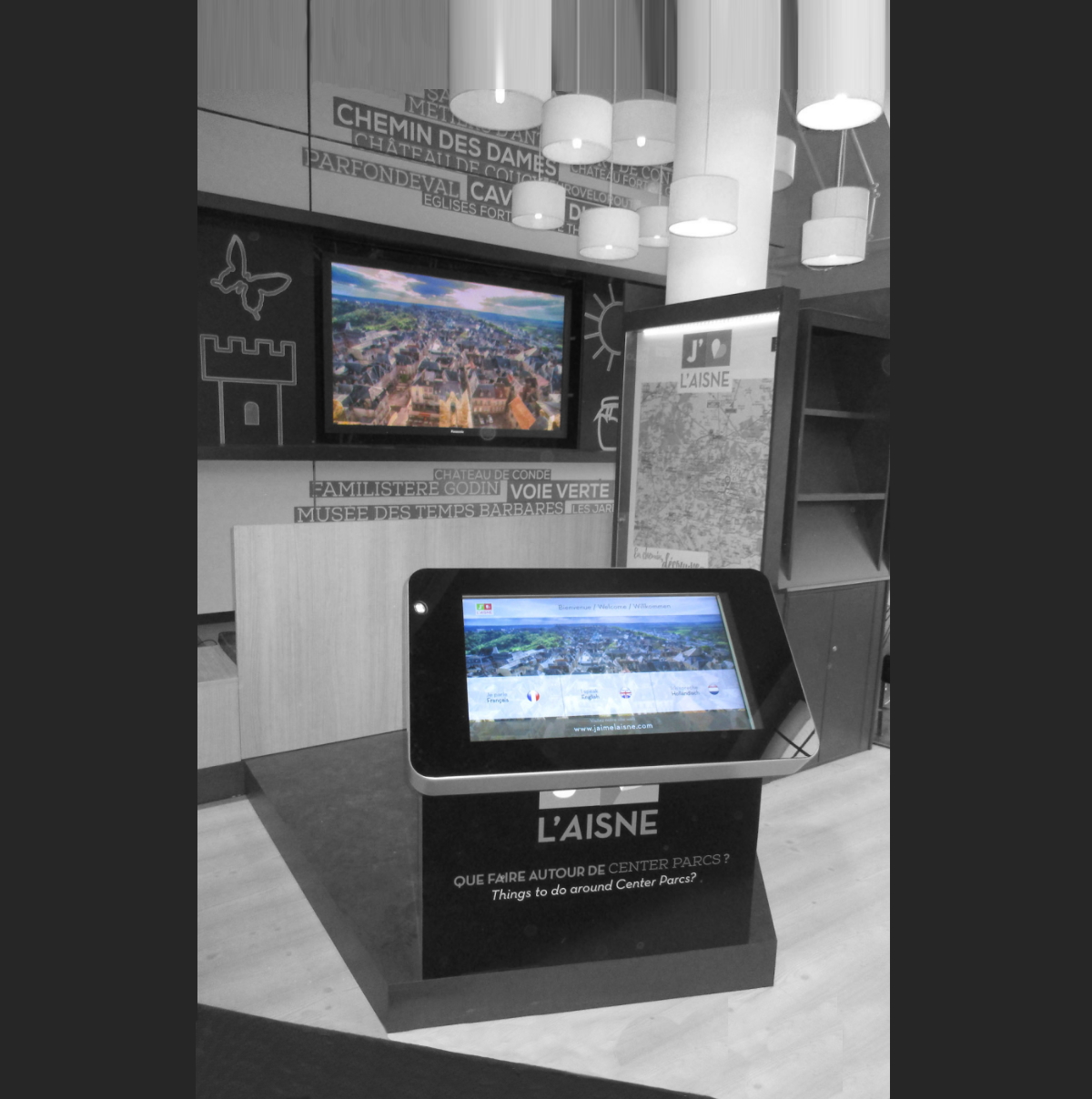
Combined with an interactive kiosk or tablet, the FunBox player allows users to send preselected content onto a screen.
It also enables you to enhance your screen display, thanks to a comprehensive management software solution.

A DIGITAL MEDIA PLAYER WHICH CONNECTS TO YOUR TV AND AUTOMATICALLY PLAYS YOUR CONTENT
AN INTEGRATED SOFTWARE MANAGEMENT APPLICATION (BACK OFFICE) TO MANAGE YOUR CONTENT
A HOTSPOT WHICH PROVIDES YOUR PRO TABLETS AND VISITORS’ PHONES WITH WIFI ACCESS
YOUR VISITORS CAN INTERACT WITH THE DIGITAL DISPLAY VIA THEIR SMARTPHONE
An innovative player which uses the latest HTML5 browser features.
An access-for-all design which takes account of all types of disability.
An industrial-grade product and a large, professional-grade NEC screen.
Thanks to the qualities of the Linux operating system, le système d’exploitation.
Data is stored locally to ensure operation even when the network is down. The system reboots automatically after a power outage.
Products comply with all required standards for public spaces, including CE marking requirements.
24/7 operation, with an electronic card that constantly communicates with the main computer. A monitoring system reboots the device if a problem occurs. This system operates even offline.
The player is easy to remove and is replaced if repairs are required.
Made in France in our Rennes and Barcelonette workshops ;)
What is digital signage exactly?
Digital signage is a digital communication tool that allows multimedia content (photos, videos, etc.) to be displayed on one or multiple screens.
What is the purpose of digital signage?
Digital signage is generally used to broadcast informational or promotional content 24/7. This type of communication can be found in both public and private spaces.
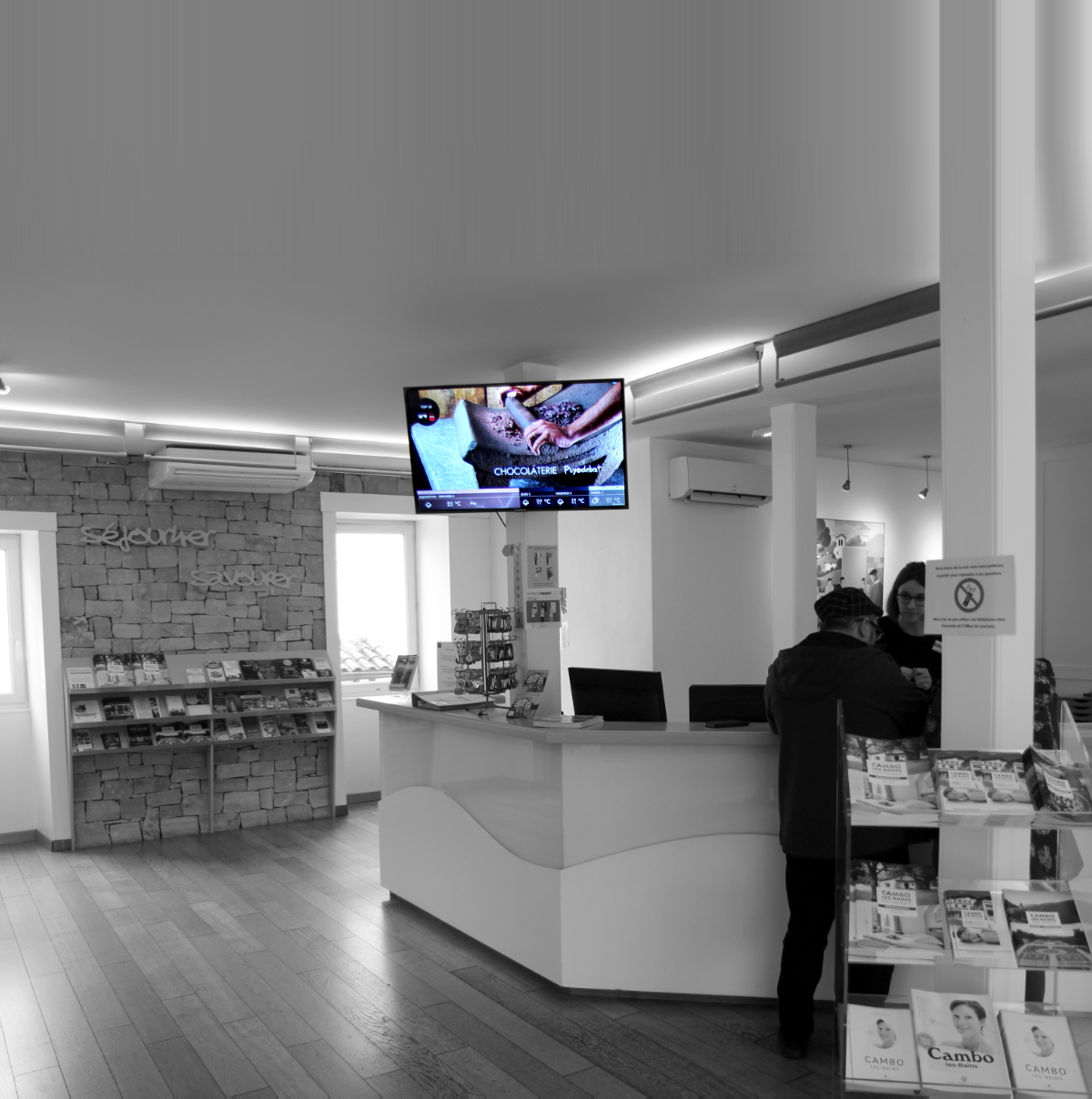
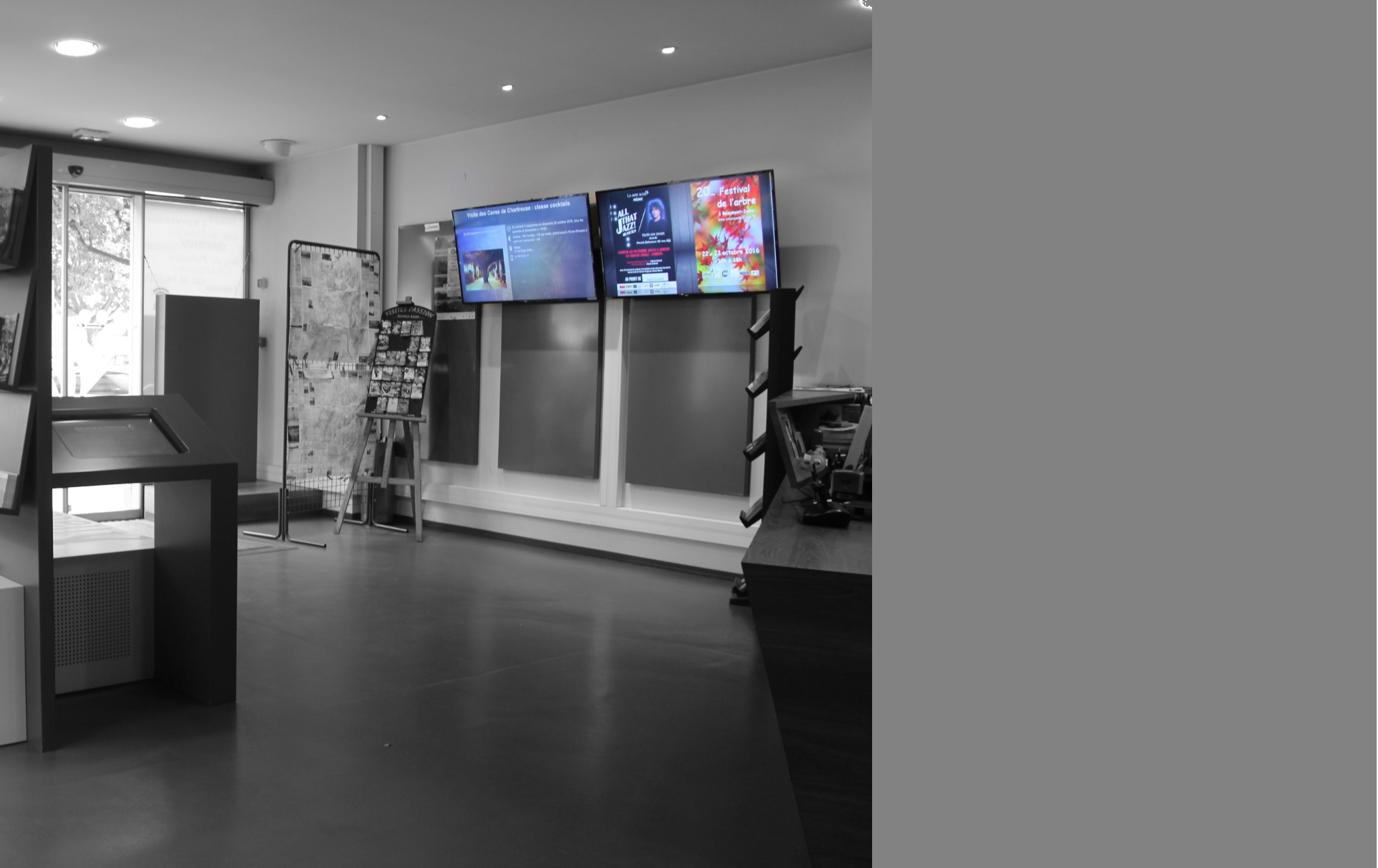
Indoors as well as outdoors, digital signage is present in urban areas (train stations, public transport, etc.). Dynamic screens are also integrated into company reception areas and information points such as tourist offices.
Digital signage allows different types of content to be communicated on a single medium. A transition system is available to control how long each piece of content is displayed. It is an ideal digital tool to reduce the ecological and environmental impact of print communication (paper).
How does digital signage work?
To set up a digital signage system, several components are required:
• A screen for display
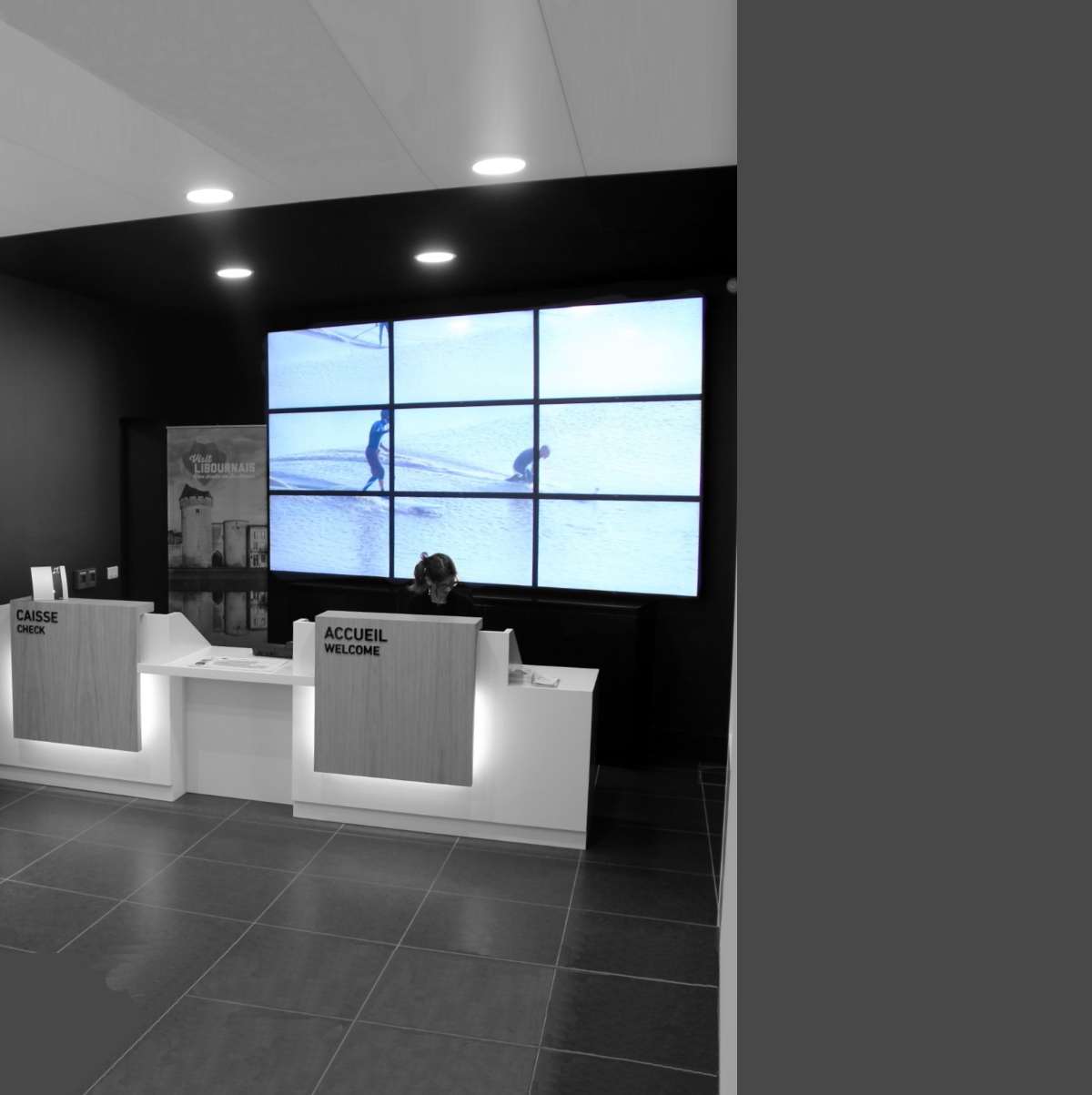
A display device is required to show the content you wish to communicate. Most often, digital signage is displayed on a single screen. However, it is possible to create a video wall using multiple screens.
This is the case of the Libourne Tourist Office, which installed a video wall behind its reception desk to display images and videos of the region.
Be careful when choosing your screen. It is recommended to use a professional display designed to operate 12 or even 24 hours a day, rather than a consumer TV. Although they may look similar, professional screens offer several advantages: higher brightness, portrait mode capability, more connectivity options, longer lifespan, and better warranties.
• A player to manage the screen
A player is a computer that manages the display of different content. It receives information from the online back office and transmits it to the screen. It is an essential component of digital signage.
Preferably choose a player capable of storing data locally. This ensures continuous display even if the internet connection is lost.
• An internet connection for updates
The player must be connected to the internet to receive updates. We recommend connecting it to a local network. A Wi-Fi or 4G modem connection is also possible but generally less stable.
• A computer for administration
A computer connected to the internet is required to access the player’s back office.
Some solutions are installed directly on a computer and can only be managed from a single device. For convenience, it is better to choose a back office accessible via an online platform, allowing you to update your content from any computer.
These components make it possible to display, broadcast, and schedule content instantly.
What types of content can be displayed on digital signage screens?
There are two ways to feed content to the player:
• Manually integrated content
Through the player’s back office, you can manually upload various types of content: photos, videos, slideshows, PDF files, etc.
• Automatically updated content
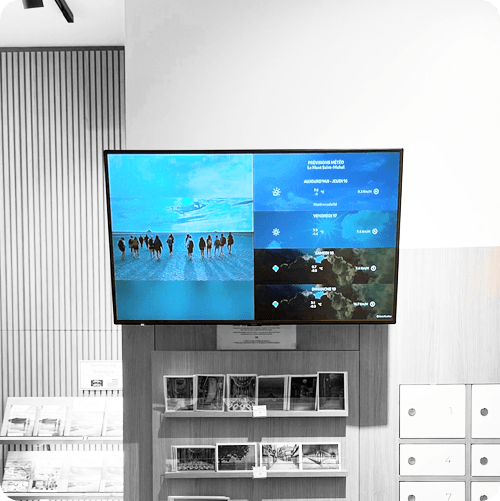
The player can display content pulled from a database. For example, upcoming events in a city retrieved from a tourism database. This allows the screen to be automatically updated with current data. It is also possible to display weather information or a web page.
• Multiple contents simultaneously
Thanks to “grid management,” you can display several types of content at the same time on a single screen.
How does the interactive mode of our digital screens work?
First, you can use our players purely for digital signage, simply to animate a screen.
However, the Funbox player also allows you to create interactions between dynamic displays and touchscreens. Users can send certain content from the touchscreen to the digital signage screen.
Have a question about our products or services?
Would you like to receive a custom quote?
Disability, compliance with standards for public spaces
& environmental footprint